Plain answers about cleanup, privacy, credits, storage, mobile access, and support.
What exactly does AllPicture do?
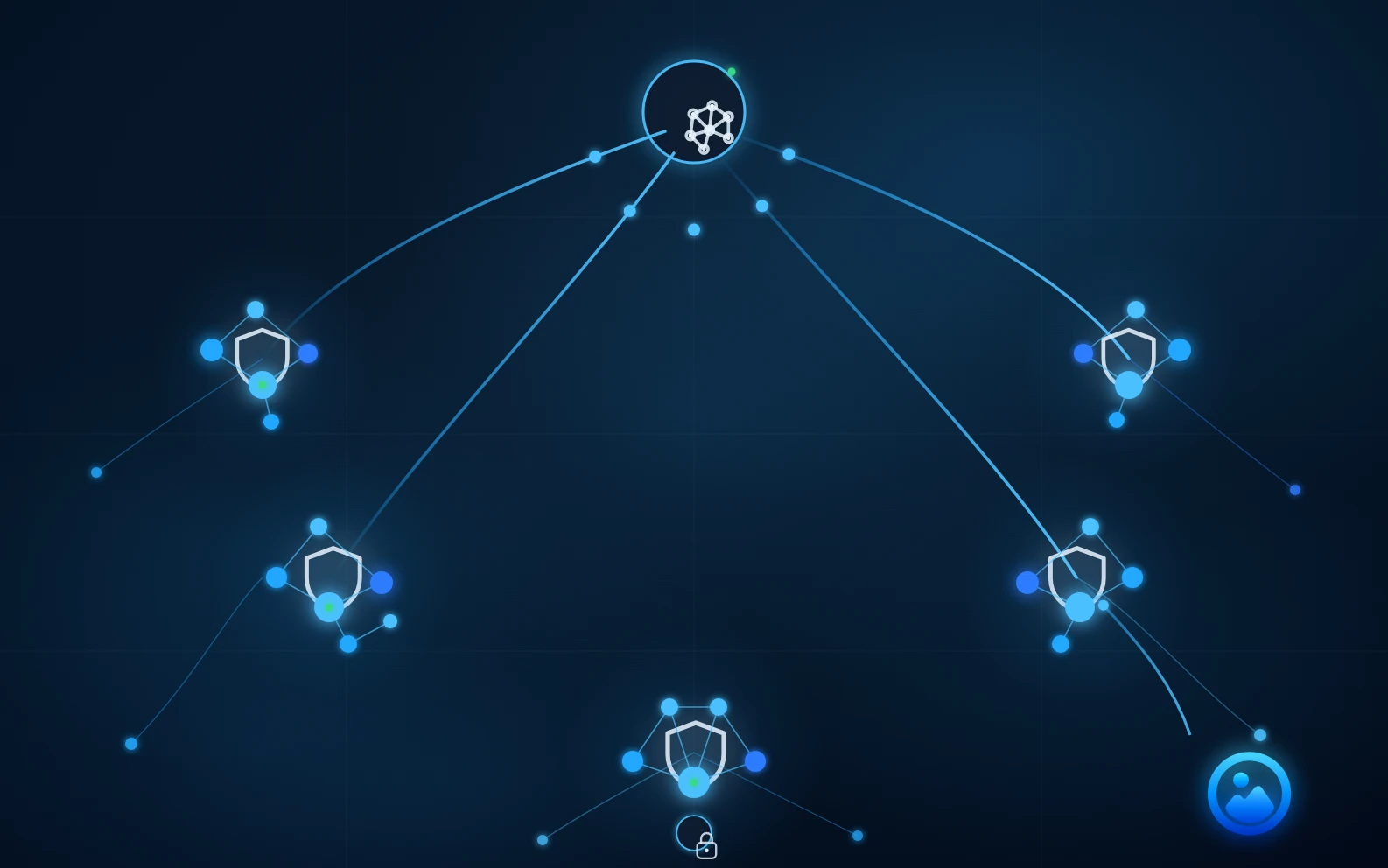
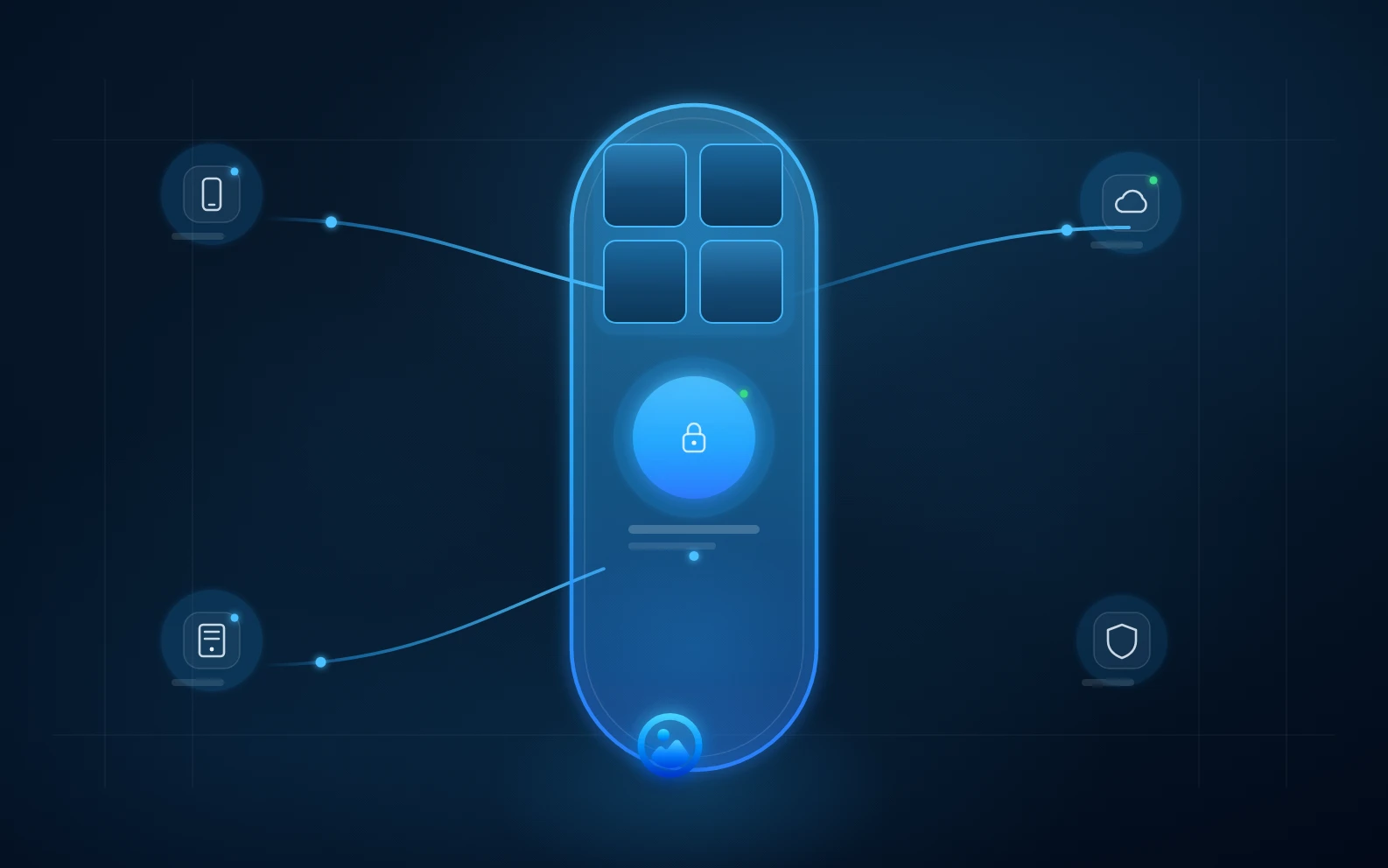
AllPicture connects your phones, cloud folders, NAS, and local drives, removes clutter and duplicates, and presents one clean picture library.
Will WhatsApp memes and screenshots ruin my gallery?
No. AllPicture is designed to separate screenshots, memes, receipts, and similar clutter from the main library so the meaningful pictures stay visible.
Do I have to delete duplicates myself?
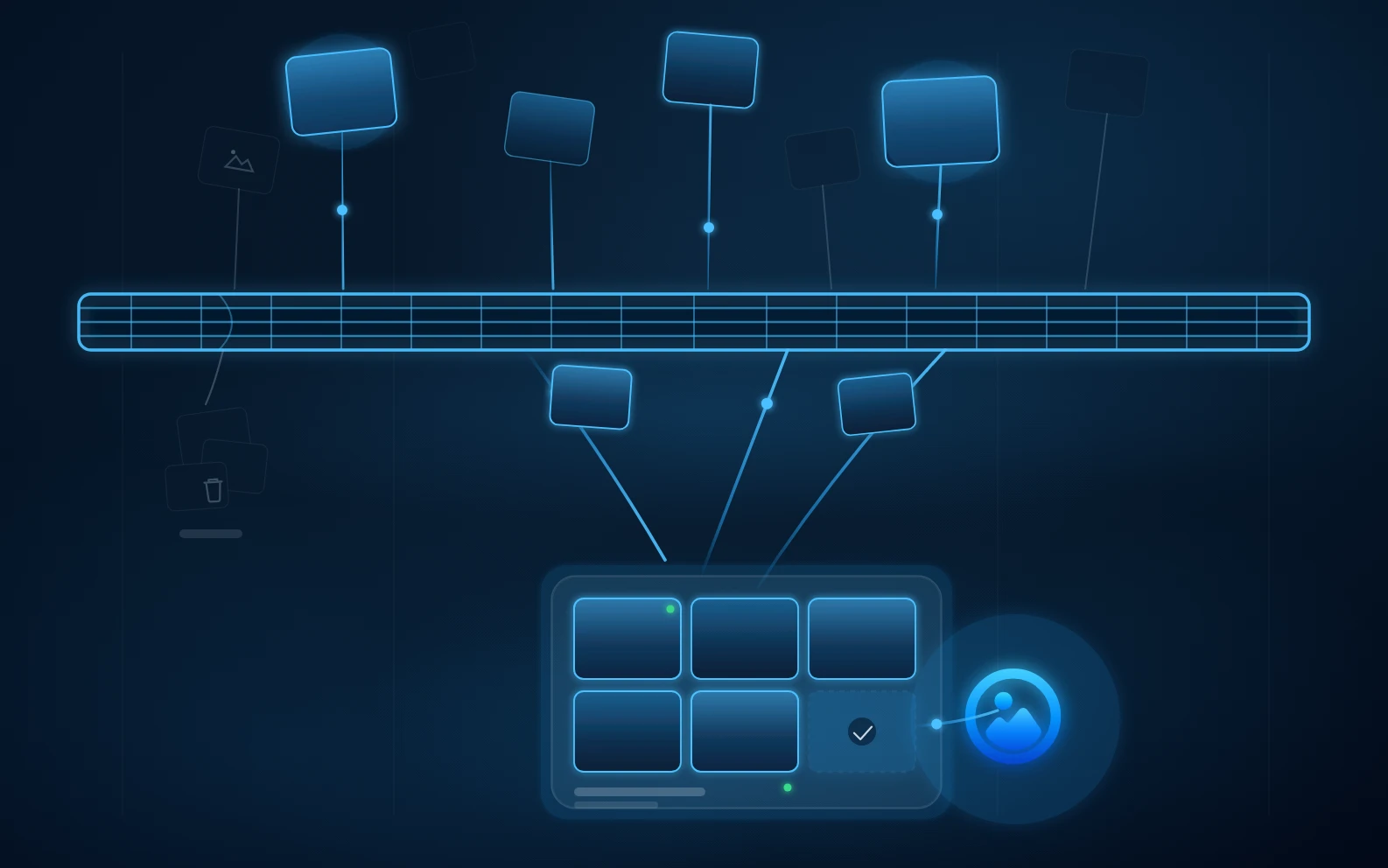
No. Duplicate detection is automatic. AllPicture keeps the best version visible and hides lower-quality copies.
Can AllPicture or its AI see my pictures?
Privacy protections and AI processing depend on the feature, device, and upload path. Review the details before enabling a feature.
Will AllPicture fill up my phone?
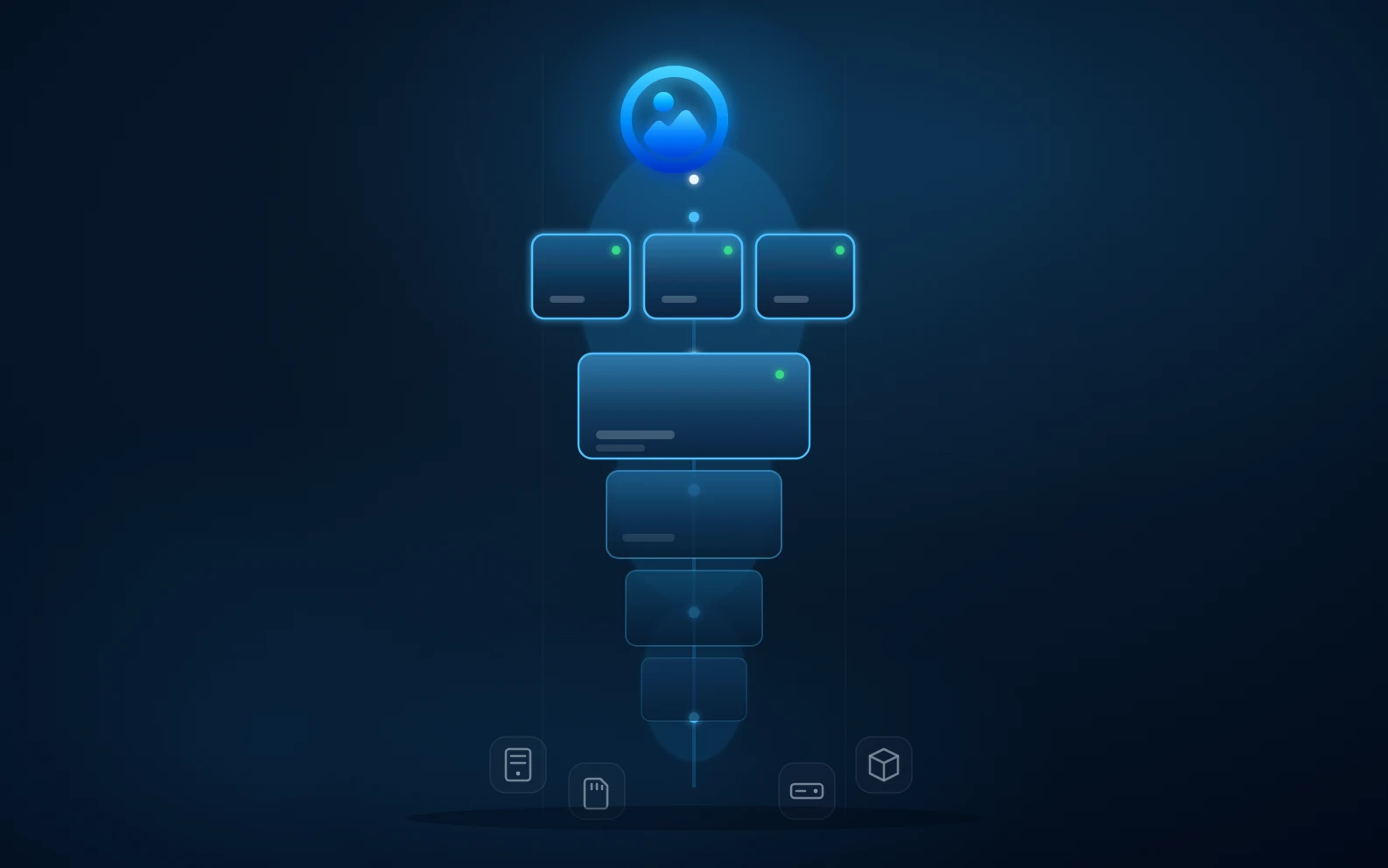
No. Smart previews make the full library feel available on mobile without downloading every original file.
How does pricing work?
AllPicture uses plans and credits for storage and AI actions. If you see an unexpected payment, billing, plan, or charge screen, do not enter payment details; pause and contact support.
What happens if I run out of credits?
Credit limits are intended to pause heavy background work before a user is surprised by extra activity. Your library should remain viewable, and original files on your own devices and connected sources are not deleted by AllPicture. Contact support if a credit or billing state blocks your path.
What happens if I forget my password?
Account recovery requires care because private archives should stay under user control. AllPicture can guide you through the available recovery path for the tested scenario, but you should never send passwords, authentication codes, recovery secrets, or private media in a support message.
Can I download AllPicture now?
Public self-service downloads are not open yet. Join the private beta for availability updates. No photo upload or library connection is required to join.
Support
Safe ways to contact AllPicture support and what to include before you send a request.
How do I contact AllPicture Support?
You can reach AllPicture Support through the help form on allpicture.ai or via email at mail@allpicture.ai. Choose the relevant category in the form so your request is routed to the right team.
What information should I include in my support request?
Include a short description, date and approximate time of the issue, your device, operating system, and browser/app version if known. Note the last two to three steps before the issue occurred and whether it repeats. Screenshots are helpful when redacted and free of private media or sensitive account details. Never send passwords, authentication codes, payment details, or private photos.
How quickly will I get a response?
We prioritize support requests by urgency. Reports about possible data loss, security concerns, or unexpected payment screens receive extra attention. General support, onboarding, and feature questions are handled once the team has reviewed them. For urgent cases, please include the relevant details upfront so we can understand the issue more quickly.
I am in the private beta - who do I contact?
If you are in a private beta or guided onboarding group, use the help form or email mail@allpicture.ai and mention your beta status. We will guide you through the first steps. During this phase, do not treat AllPicture as your only photo archive. Keep your originals and backups in their current location.
I found a security issue - where do I report it?
Please report security vulnerabilities or concerns confidentially to security@allpicture.ai. We handle such reports with priority and will respond as quickly as possible. Please do not share public details until we have reviewed the report.
What happens after I send a support request?
After you send a support request, we review the details, triage the issue, and decide the safest next step. To help us do that, include the details listed in “What information should I include in my support request?” If you suspect data loss, a security issue, or see an unexpected payment screen, stop making changes to the affected data and keep originals, backups, screenshots, and related messages unchanged so we can review the situation accurately.
What happens to my data when I contact support?
We use the information in your support request to review and respond to your issue. Please share only what is needed for the case, and do not send passwords, one-time codes, payment details, or private photos. Support communication may be processed in the systems we use to operate and handle requests. We keep support data only for as long as needed for handling, traceability, and operations.
What does "browse-only / no import" mean in the private beta?
In controlled first-user rounds, AllPicture may use a narrow browse-only path: account or session, local desktop onboarding, safe indexing, and Gallery browsing, without importing, syncing, moving, deleting, deduplicating, or reconnecting your photo sources. Keep originals and existing backups unchanged, and do not use AllPicture as your only archive during this phase. If a step asks you to import, changes a source, shows missing media, blocks account access, raises a privacy or security concern, or shows a payment or billing screen, pause immediately and contact support with the page name, approximate time, device or browser, expected result, and actual result. Do not send passwords, one-time codes, payment details, private photos, original media files, or private cloud login details.
Popular photo cleanup questions.
Answer-first pages for high-intent searches about duplicates, WhatsApp clutter, private AI, huge libraries, old drives, and cancellation safety.
Multi-source photo library cleanup
How do I organize photos across iPhone, WhatsApp, Google Photos, iCloud, Dropbox, and NAS?
If your family photos are spread across Dropbox, iPhone, WhatsApp, iCloud, Google Photos, and a NAS, start with a simple inventory. List where photos live, note duplicate folders, identify missing date ranges, and choose one folder structure before deciding which tools or workflows belong in your photo organization process.
How can I organize family photos without uploading them first?
Start with a source map before any upload: list phones, cloud libraries, WhatsApp folders, old drives, shared albums, and the cleanup decisions that feel risky. AllPicture is being shaped around this no-upload first step for controlled private-beta validation.
How to clean up WhatsApp photos, memes, and screenshots
Do not clean WhatsApp media by blindly deleting a folder. First classify WhatsApp pictures by source, visual similarity, quality, and memory value, then hide or review clutter while keeping family photos and original versions safe.
How can I find and remove duplicate photos across iCloud, Google Photos, Dropbox, WhatsApp, and local folders without losing the best version?
To remove duplicates safely, compare photos across every source, rank the best version by quality and metadata, keep originals intact until reviewed, and hide lower-quality copies from the main library instead of deleting blindly.
What is the best way to keep a huge family photo library available on my phone without filling up phone storage?
The best approach is to keep originals in protected source storage, create lightweight smart previews for browsing, and download full-resolution files only when you need them.
How can I use AI to tag, search, and recognize faces in family photos without uploading private faces to a cloud AI?
Use a photo organizer that runs sensitive AI locally where possible, encrypts private media and metadata, and clearly states that your personal pictures are not used to train public AI models.
For end-to-end encrypted photos, choose a family archive system that protects private media before cloud storage, limits provider visibility, explains recovery clearly, and avoids using personal photos for AI training.
How can I move from Google Photos or iCloud to a cleaner photo library without creating more duplicates?
Do not migrate a messy library by importing every export into a new cloud at once. First index the old and new libraries, compare overlap, preserve metadata, group duplicates, and only then decide what should become the clean visible library.
What should I do with old external hard drives, NAS folders, SD cards, and laptop backups full of mixed photos and videos?
Treat old drives and NAS folders as source archives. Index them, identify duplicates and corrupted or low-value media, preserve original files, and expose the best memories through one clean library instead of manually renaming everything first.
Can a photo organizer separate important memories from screenshots, receipts, blurry shots, and other clutter automatically?
Yes, a good photo organizer can classify likely clutter and likely memories, but it should be conservative: hide or group low-value items first, then let you review anything risky before deletion.
Cancellation, export, lock-in, and original file safety
What happens to my original photos if I cancel a photo storage or photo organizer service?
Your original photos should remain accessible in the places you own or connected source services. A trustworthy organizer should never make cancellation mean losing irreplaceable originals or being locked out of a human-readable archive.
Is there a more private alternative to Google Photos for organizing family photos?
Google Photos is excellent at automatic organization inside its own cloud, but it is not end-to-end encrypted and it only organizes what you upload to Google. AllPicture is being built as a privacy-first library layer across Google Photos, iPhone, WhatsApp, iCloud, Dropbox, NAS, and local drives — with encryption and provider visibility depending on the selected feature and upload path.
Is iCloud Photos enough for a family photo archive, or do I need something cross-platform?
iCloud Photos is strong inside the Apple ecosystem, and with Advanced Data Protection enabled it can even be end-to-end encrypted. Its limit is scope: it only sees the Apple side of a family archive. AllPicture is being built for the whole mess — WhatsApp media, Android phones, Windows folders, NAS, old drives, and other clouds in one private library.
Do I need more than a classic duplicate photo finder to clean up my photo library?
A classic duplicate photo finder scans folders on one machine and flags byte-identical or visually similar files. That helps once. But scattered family libraries recreate duplicates constantly — across phones, chats, clouds, and backups — so AllPicture is being built as a continuous, source-aware library that keeps the best version visible instead of a one-time scan.