
AllPicture
Create an account

Family photo encryption, explained for real households

Family photo encryption is not a generic cloud-storage checkbox. Real household archives include children, homes, schools, faces, locations, and private life, so privacy decisions have to sit beside cleanup and long-term control.

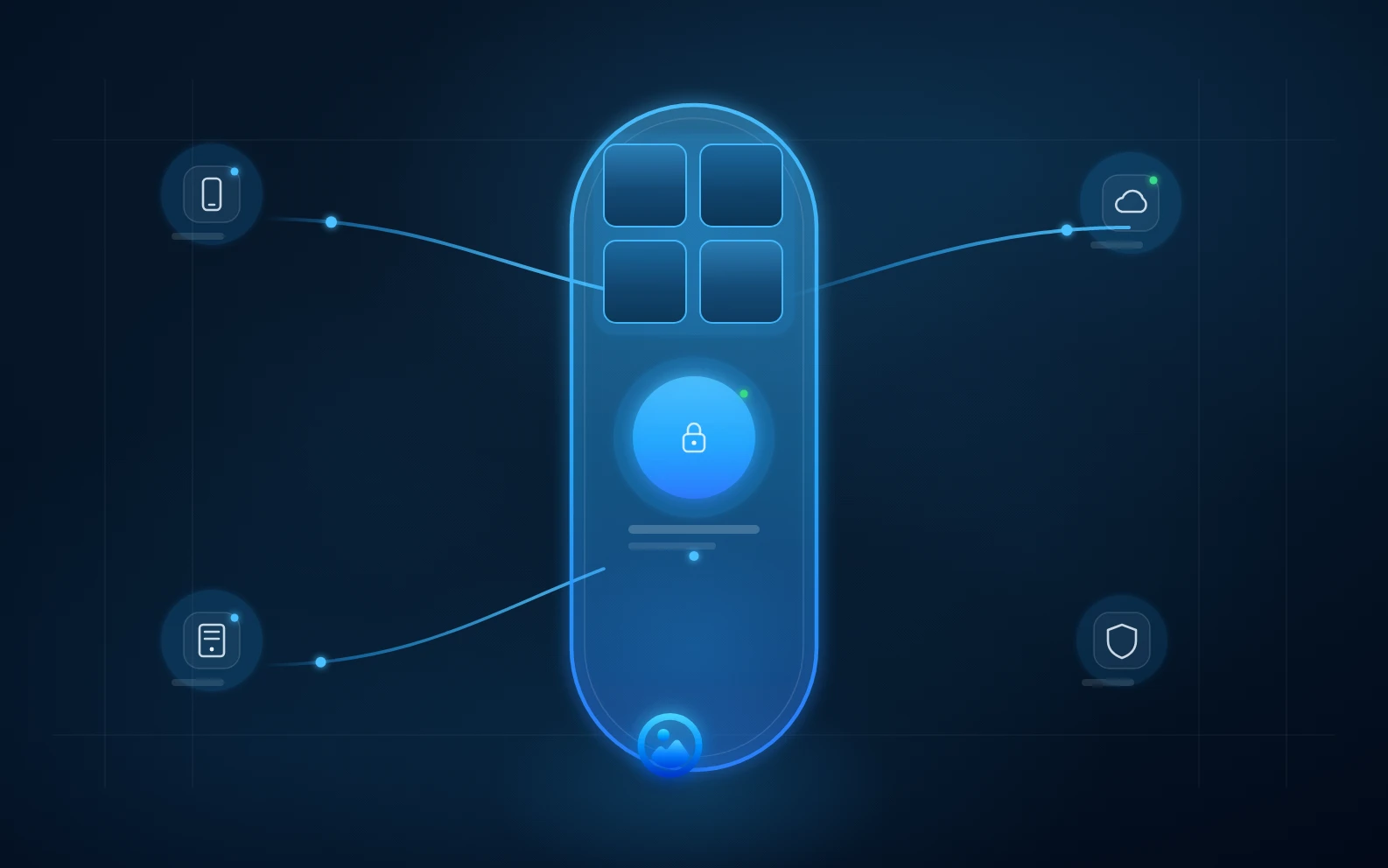
Family photos locked inside an encrypted AllPicture vault connected only to trusted personal devices

Private encrypted family photo storage

Short answer

For encrypted family photos, choose a photo system that encrypts private media before cloud storage, limits what the provider can see, supports safe key recovery guidance, and avoids using personal photos for AI training.

encrypted family photosfamily photo encryptionend-to-end encrypted photos

Protect the family archive before another upload.

Create an account before connecting family photo sources. No photo upload is needed to tell us what kind of family photo library needs help.

Create an account

What end-to-end encryption means for photos

End-to-end encrypted photos are protected so the service provider should not be able to simply open your library. For family archives, that privacy boundary matters because the content is personal and often includes children.

The recovery tradeoff

Strong privacy can make account recovery more serious. A trustworthy product should explain recovery keys, platform keychains, and what happens if credentials are lost instead of hiding the risk in fine print.

How AllPicture answers this query

AllPicture puts encryption, private face recognition, and user control into the product promise. Cleanup should make memories easier to find without giving AllPicture unnecessary access to the originals.

What to ask any provider

Ask whether the provider can view photos, whether thumbnails and metadata are protected, whether private pictures train AI models, how recovery works, and how you can export or keep originals outside the service.

FAQ

Short, extractable answers for search snippets and AI answer engines.

Can encrypted family photos still be searchable?

Yes, but the architecture matters. Search can use encrypted metadata, local indexes, or on-device AI so family photo encryption and useful organization can coexist.

Does end-to-end encryption remove the need for backups?

No. Encryption protects privacy; backups protect availability. Family memories need both.

Does end-to-end encryption delete photos?

No. End-to-end encryption by itself does not delete photos. It is about limiting who can read protected data while photos are stored or synced. Whether photos are deleted depends on the app's delete, backup, sync, and retention controls, so families should review those settings before relying on any storage service.

What makes family photo storage different from normal cloud storage?

Family storage must account for children's privacy, biometric signals, location data, long-term preservation, and cancellation or export safety.

Related answers

Continue with the connected search intents behind this question.

Bring order to your family photo mess

Create an account before connecting photo sources. No photo upload or photo-library permission is needed to get started.

  • Built for scattered family memories across phones, chats, clouds, and drives.
  • Choose when to connect sources; no photos or library access are required to create an account.
  • Start with a self-service account and review your options at your pace.
Read the answer hub first
Create an account